Windows 10/11 · .NET 8 · Self-contained
TENEBRISMANAGER
A Windows app to manage your Minecraft servers without touching a terminal. Start and stop servers, watch the console live, manage players, edit config files, and schedule automatic restarts, all in one window.
€9.99one-time purchase
Windows 10 / 11
Self-contained .exe
One-time purchase
No .NET required
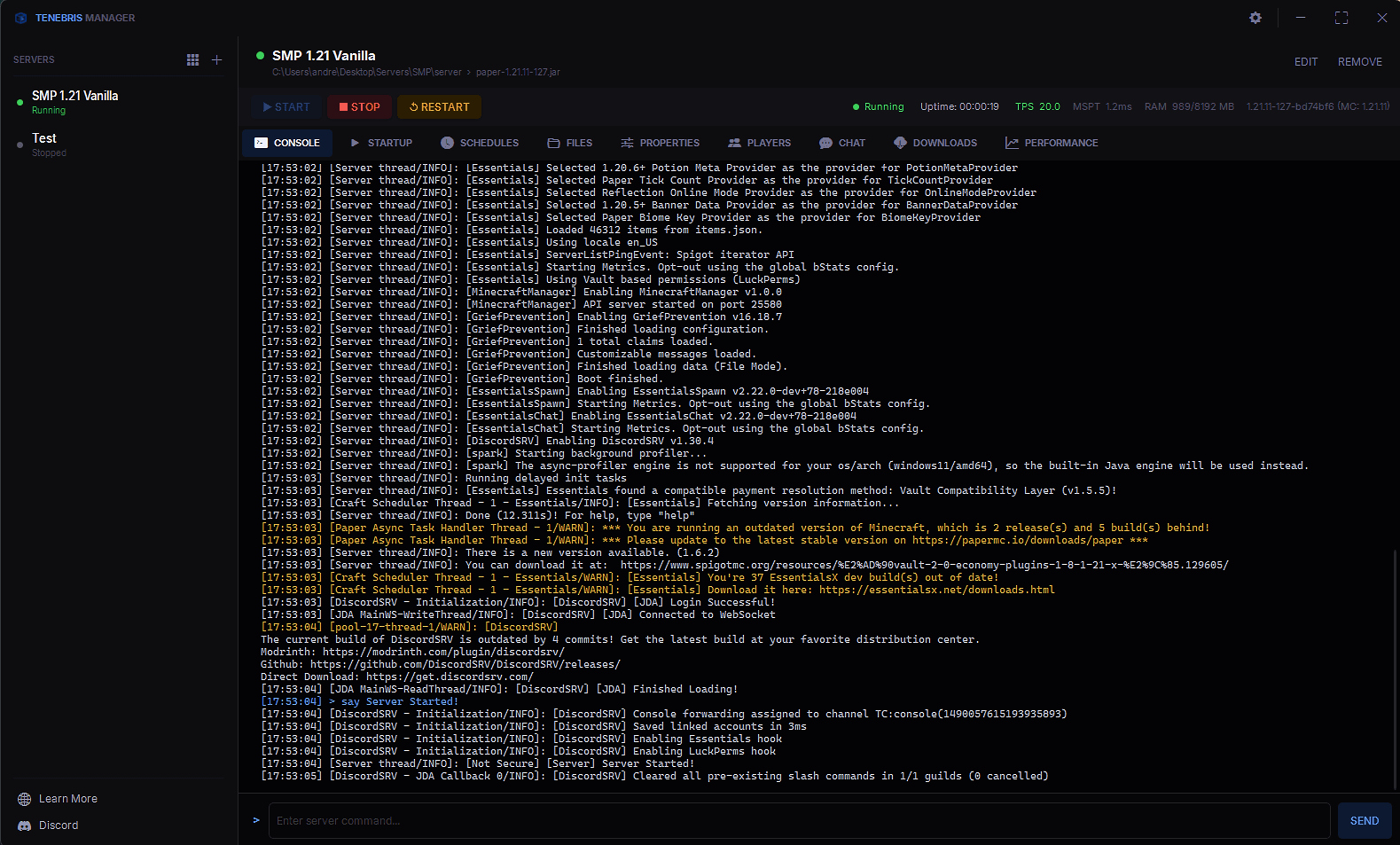
Live demo
See it in action
A quick look at the app running a real server.
Features
Everything you need, nothing you don't
For server owners who just want things to work.
Live Console
Full color-coded output streamed live from your server. Type commands right from the same window, no terminal needed.
Multi-Server Support
Run multiple servers side by side and switch between them in one click.
Scheduled Restarts
Pick an interval and let it run. The app warns players in chat beforehand so nobody gets blindsided.
Player Management
See who is online and manage your whitelist, ops list and bans from one place.
File Explorer
Browse and edit server files right in the app, with syntax highlighting for configs and properties.
Chat History
Every message your players send is saved locally so you can scroll back through it whenever you need to.
World & Plugin Browser
See your loaded worlds and installed plugins at a glance, without digging through boot logs.
Dark & Light Themes
Dark mode out of the box, with a clean light theme if you prefer.
Companion Plugin
Drop in the companion plugin and you get live player stats, 3D skin renders and real-time data straight in the UI.
Screenshots
Clean UI. Focused panels.
Clean layout, nothing you don't need. Each panel does exactly what it says.
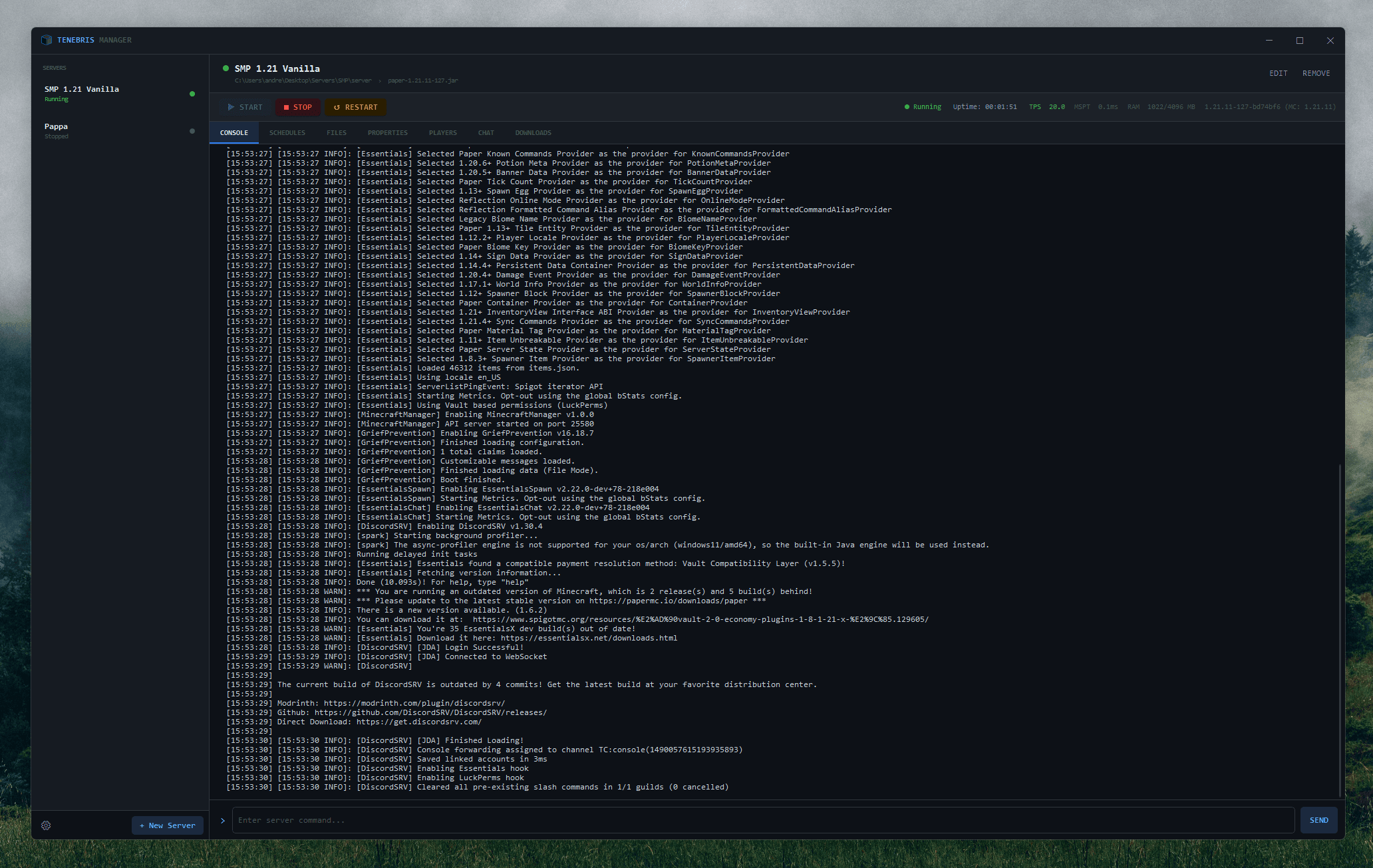
Console
Live color-coded console output
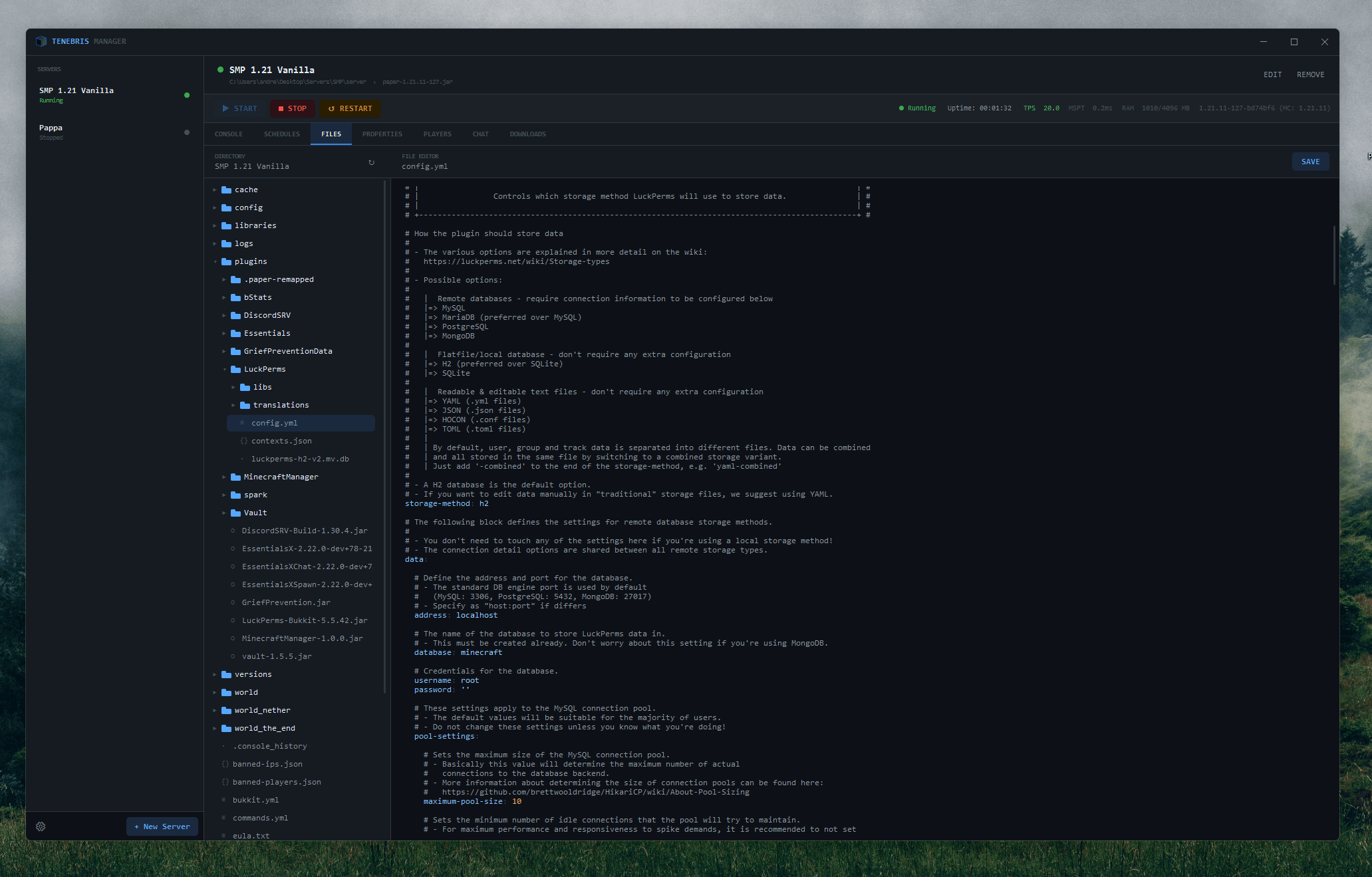
Files
Integrated file explorer and editor
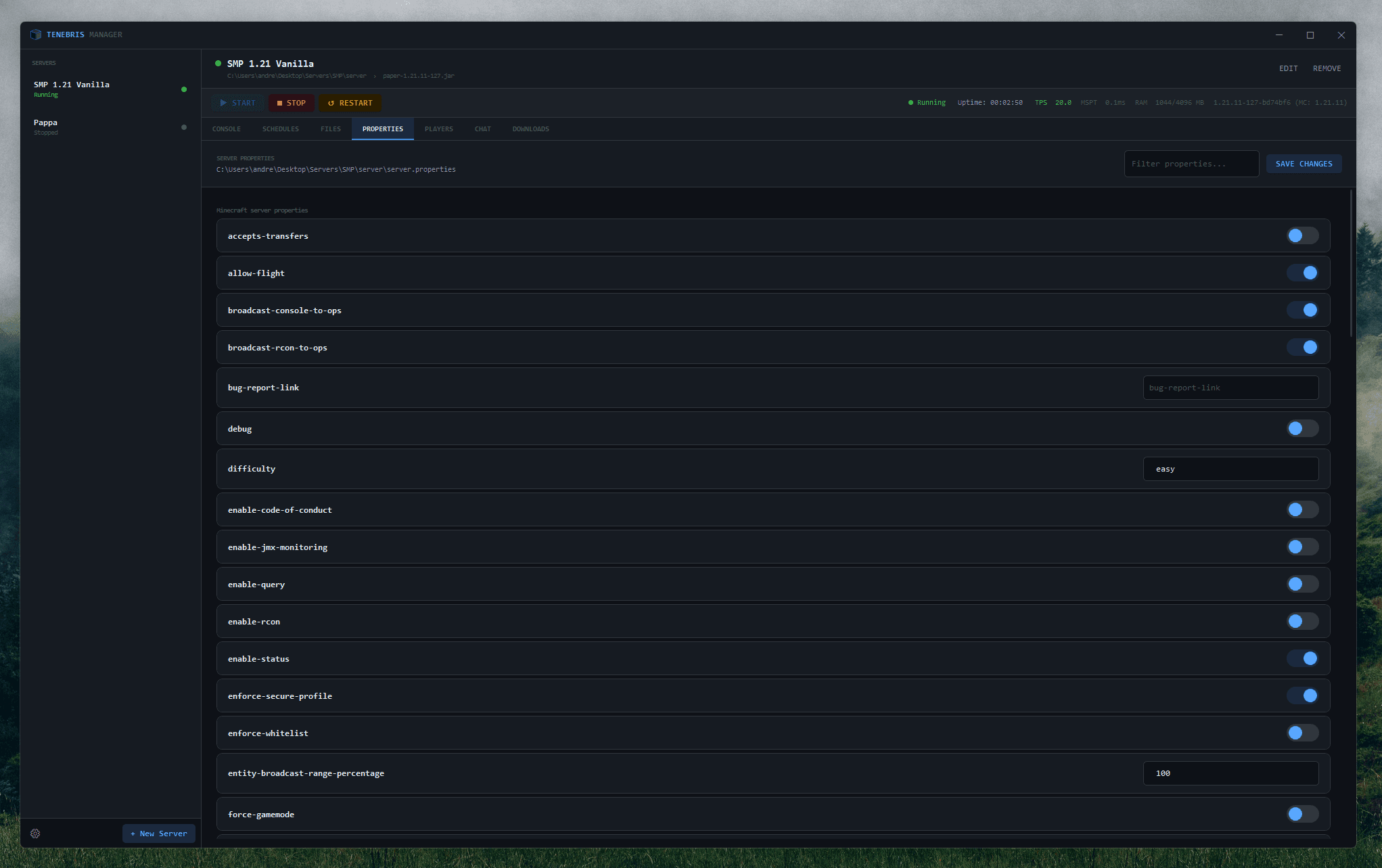
Properties
Server properties and JVM configuration
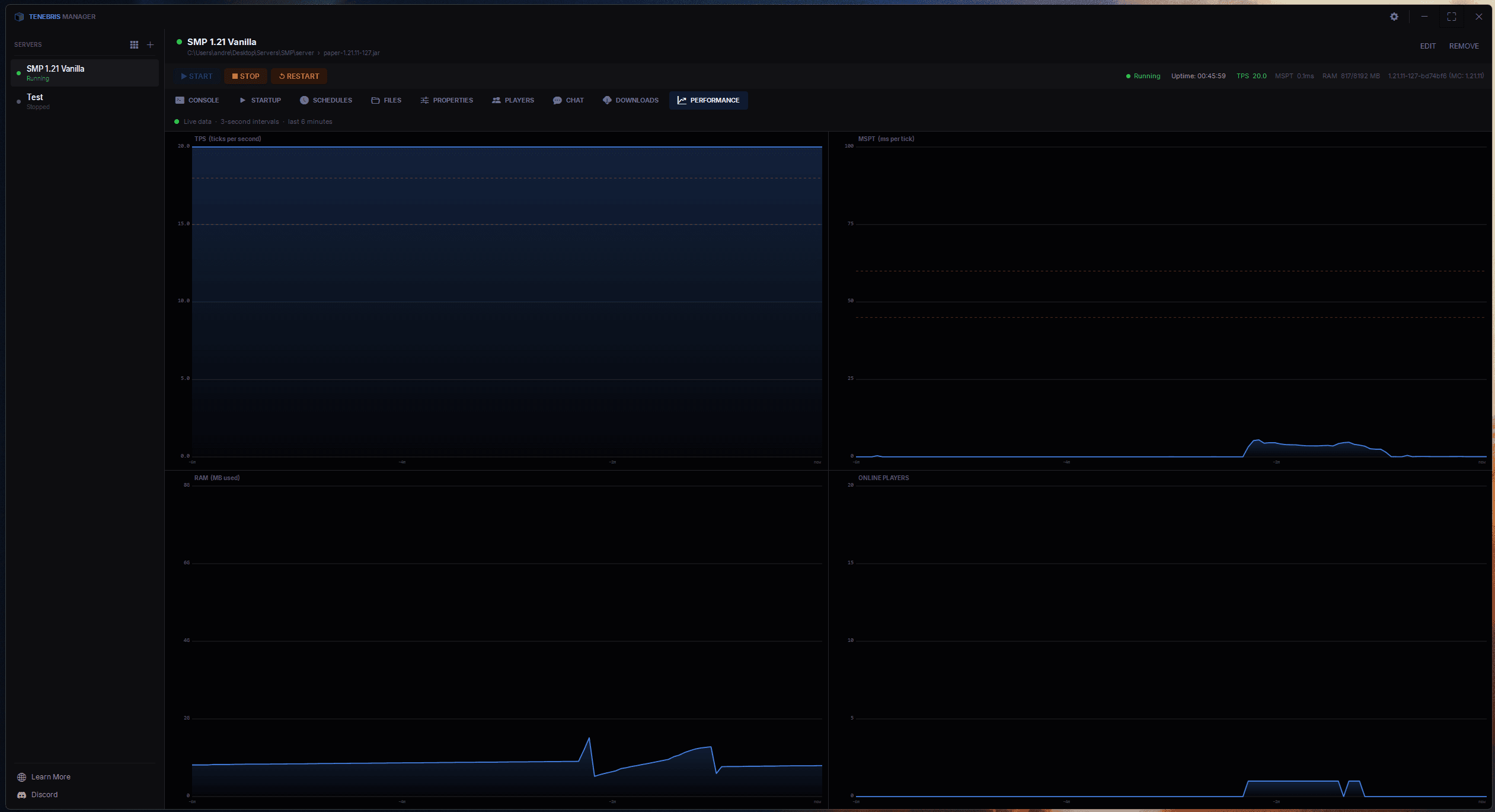
Graphs
Real-time statistic graphs
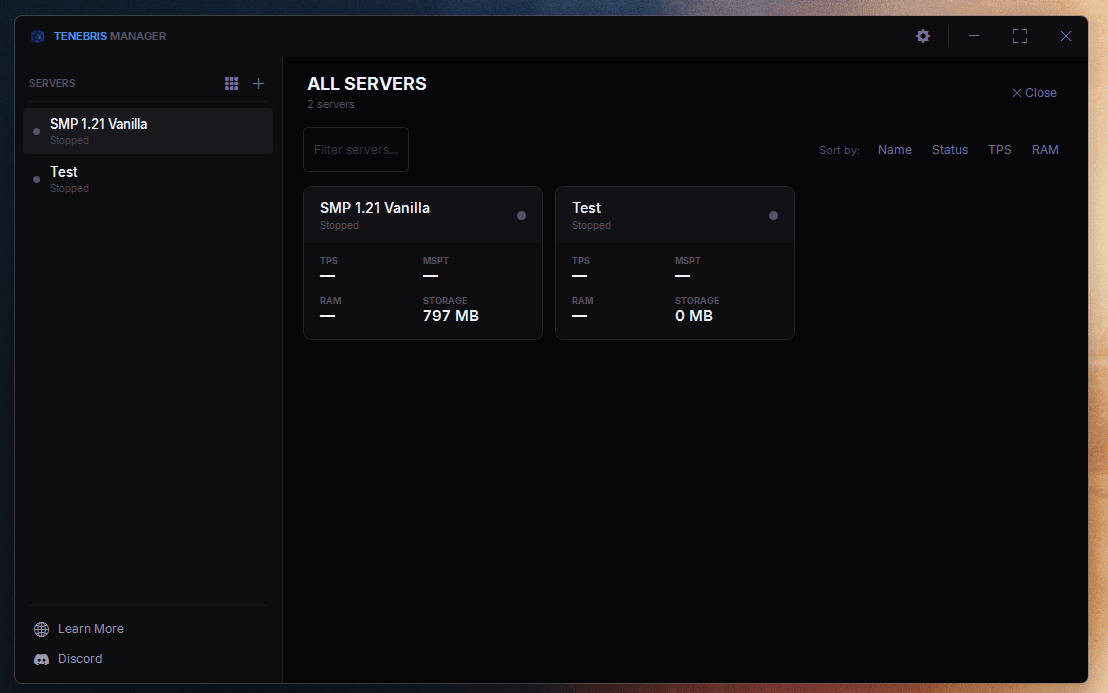
Servers
All servers dashboard
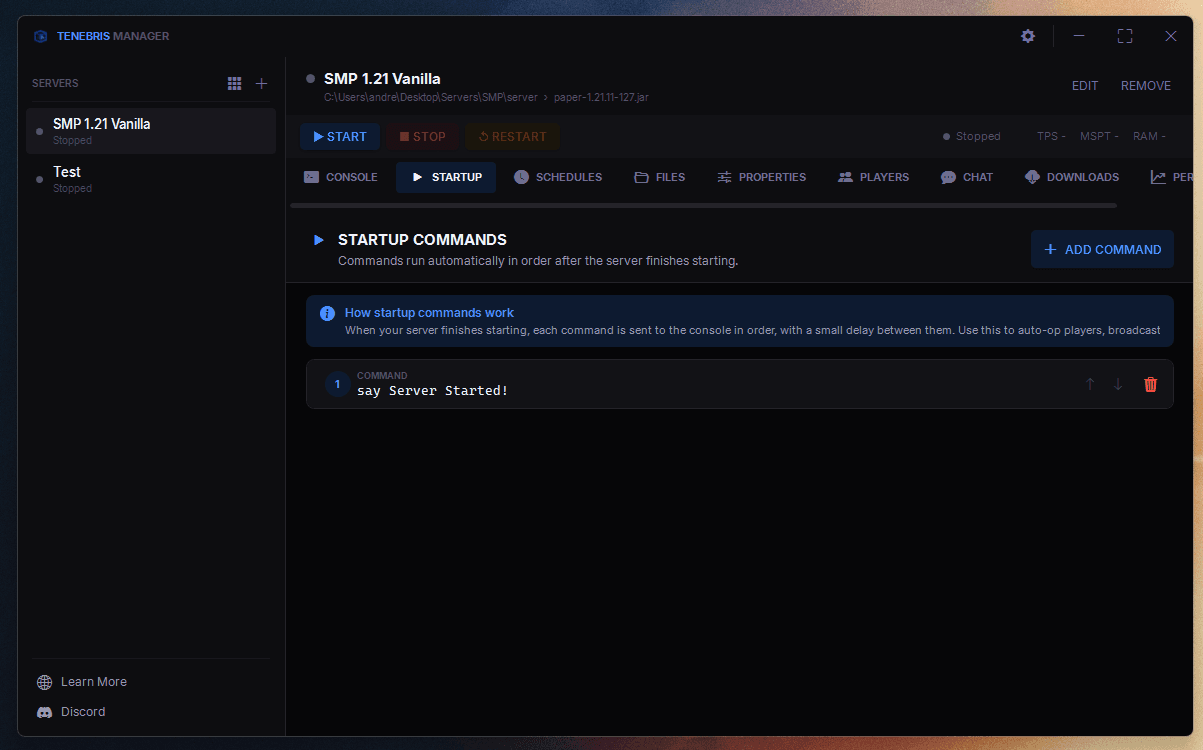
Startup
Startup command configuration
Terminal
Your server. Under control.
Live color-coded output. Type commands directly. No black box, ever.
Setup
Up and running in minutes
No server expertise needed. Point it at your JAR and go.
1
Get the app
Grab it for €9.99, one time. You get a self-contained .exe with no extra installs needed.
2
Add your server
Point the app at your server JAR file and set your JVM arguments in the Properties tab.
3
Press Start
Hit Start and watch your server come up with live output right in the built-in console.
4
Install the plugin
Optionally drop the companion plugin into your server to enable player stats, avatars and more.

Ready to take control?
Pay once, keep it forever. No subscriptions, no renewals. Just a clean app that does exactly what it says.
€9.99one-time purchase
Buy Now